
AI-Assisted Workflow
AI-Assisted Workflow
Generative AI · Communications · Brand Content · Visual Exploration
Exploring how generative AI can accelerate research, messaging and content development when paired with experienced communications judgment.
Tools widen the options. Judgment decides the work.
These experiments sit on top of thirteen years of professional communications and design practice. The generative step is one part of a longer process — the brief, the message, the audience and the final craft are mine. Nothing reaches a client in the state a model produced it.
- The concept is written before a tool is opened
- Typography is set by hand, never generated
- Composition and crop are art directed, not accepted
- Brand colour, tone and voice govern every output
- Anything that ships is rebuilt in Adobe Creative Suite
Experiment 01
Campaign Key Art
Concept development · Art direction · Typography
Brief
A campaign needed a distinctive visual world in the concept stage, before photography or production budget could be committed.
Creative concept
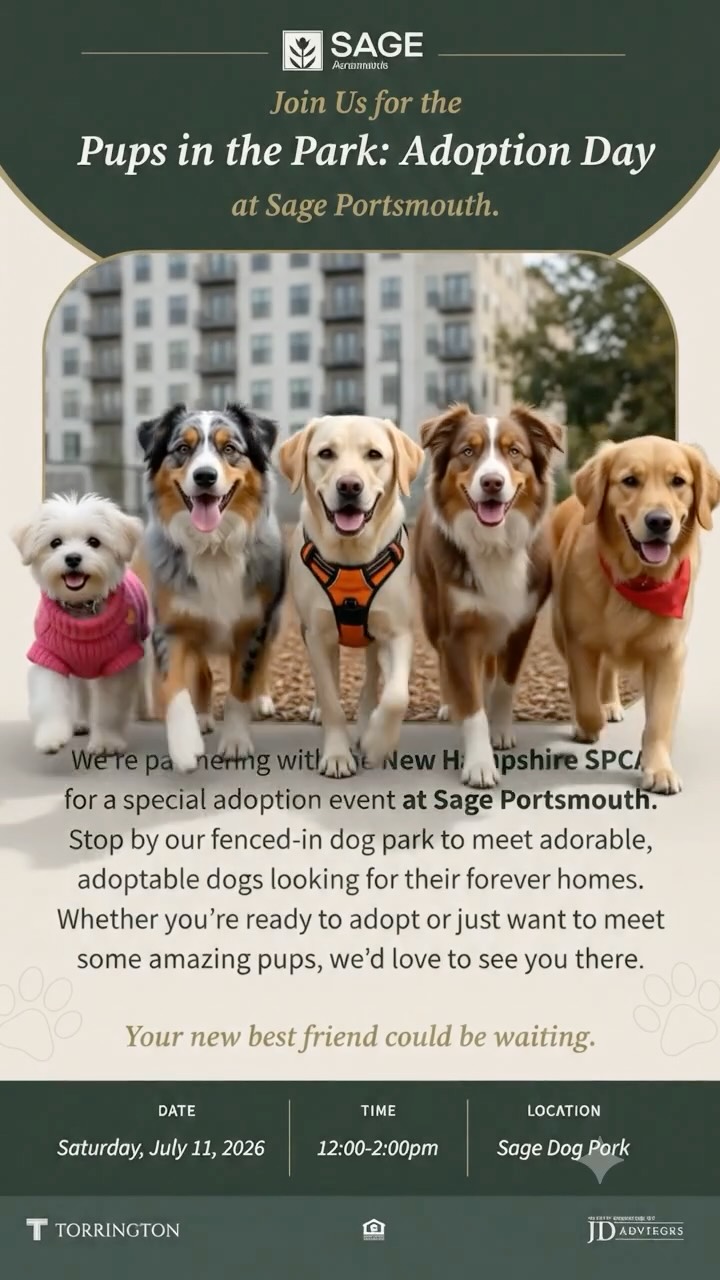
The idea came first on paper: a single human subject, one dominant colour field, and a typographic lockup that carries the message rather than decorating it.
AI exploration
Generative passes were used to widen the option set quickly — lighting, framing and mood variations that would have taken days to mock up conventionally.
Human design refinement
Only the composition survived. The frame was recomposed to a deliberate crop, the palette pulled back to the brand system, artefacts retouched out, and the typographic hierarchy built from scratch in Illustrator.
Final application
Approved as the campaign key art and extended into social, email and print formats from the same layout grid.
Tools used
Midjourney · Leonardo · Adobe Creative Suite
Exploration → refined direction → final creative
Experiment 02
Motion Concept Test
Storyboarding · Motion direction · Edit
Brief
Sell a motion idea to stakeholders early, without committing production time to a full animatic.
Creative concept
A three-beat narrative — tension, turn, resolution — storyboarded frame by frame before any generation.
AI exploration
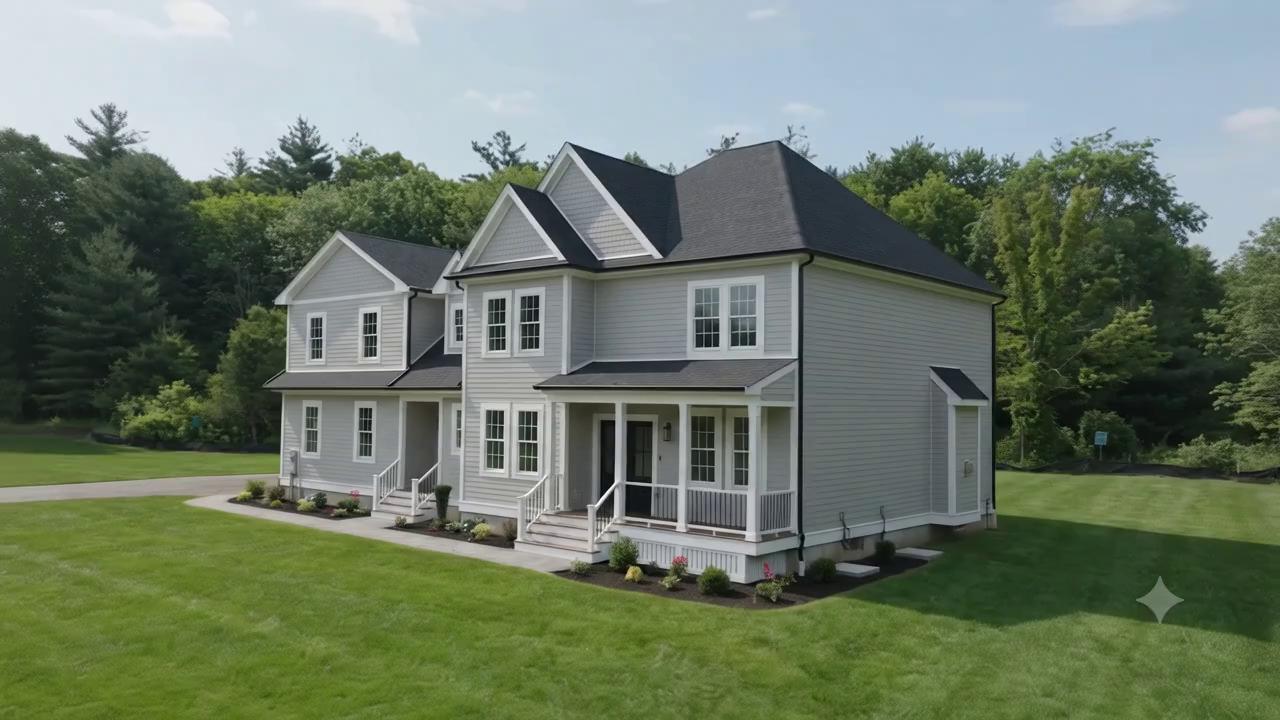
Text-to-video passes produced rough movement studies for each beat, used purely to test pacing and camera language.
Human design refinement
Timing, sequencing and transitions were rebuilt in After Effects. Typography, lower thirds and brand end-frame were designed, and the sound and edit rhythm set manually.
Final application
Used as an approved motion direction ahead of production, shortening the pre-production cycle.
Tools used
Google Flow · Veo · Kling · Adobe Creative Suite
Exploration → refined direction → final creative
Experiment 03
Research to Message Platform
Creative strategy · Message hierarchy · Copy direction
Brief
Compress the research phase of a campaign — audience, competitive language, objections — into something usable in days rather than weeks.
Creative concept
Treat the tools as a research assistant, not a writer: gather and cluster source material, then make the editorial decisions myself.
AI exploration
Sourced and summarised audience language, category conventions and competing messages, with citations checked back to origin.
Human design refinement
The message platform — headline hierarchy, proof points, tone of voice — was written and edited by hand, with anything unverified removed.
Final application
Became the written foundation the visual system, social calendar and campaign copy were built from.
Tools used
Perplexity · Gemini · Microsoft Copilot
Exploration → refined direction → final creative
Experiment 04
Social Content System
Design systems · Social creative · Brand consistency
Brief
Keep a high-volume social calendar visually consistent without redesigning every post from zero.
Creative concept
A template system with fixed typographic rules and a defined image treatment — variation happens inside the frame, never to it.
AI exploration
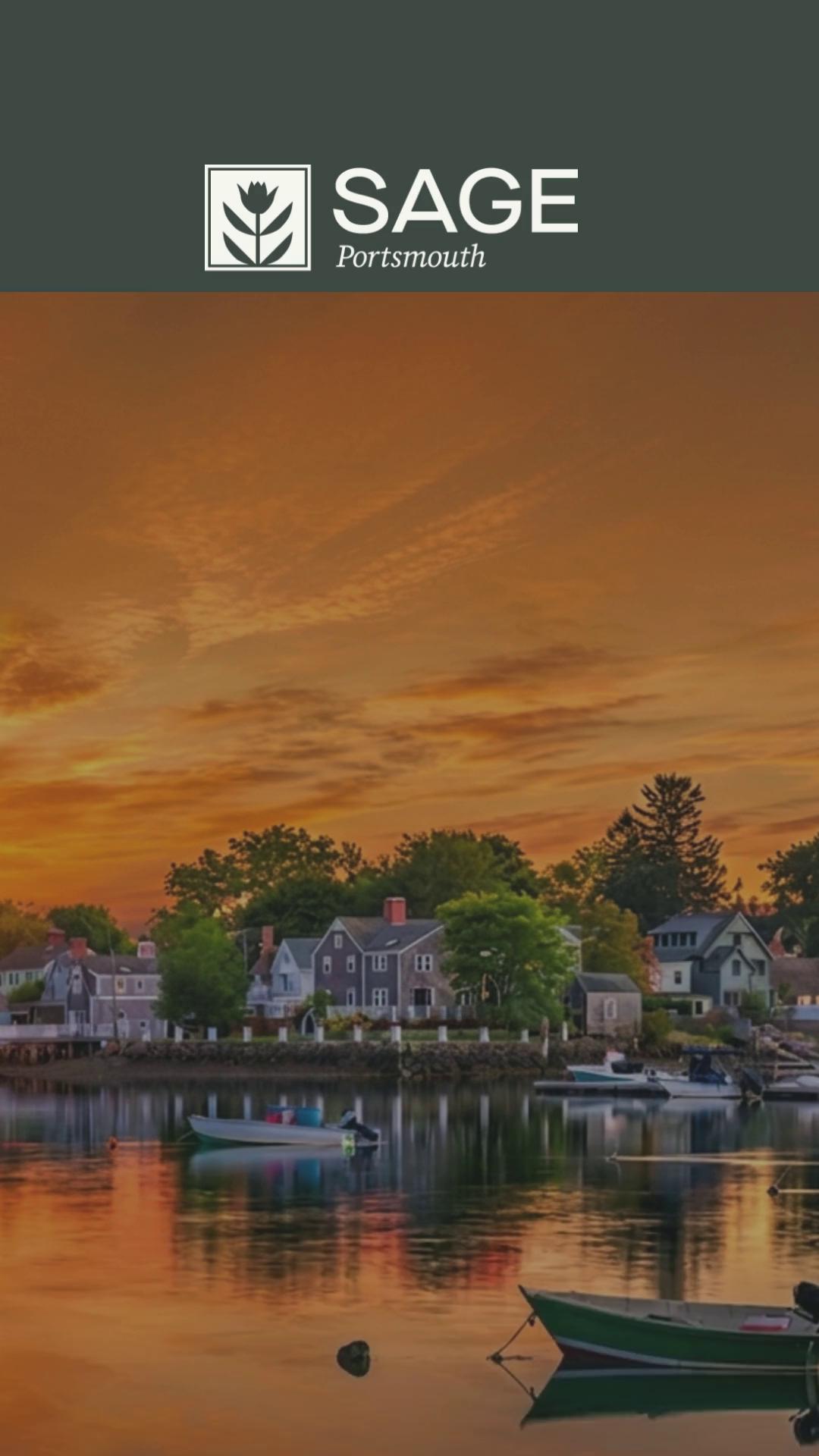
Generated background plates, textures and illustrative elements to widen the visual vocabulary of the system.
Human design refinement
Every element was colour-matched to the brand palette, cleaned up, and placed inside the master grid. Type sizes, margins and safe areas were set once and enforced.
Final application
A repeatable kit producing weeks of on-brand social creative at speed, still recognisable as one system.
Tools used
Midjourney · Leonardo · Adobe Creative Suite
Exploration → refined direction → final creative
Toolset
What sits in the workflow
Used selectively, where they save time without eroding craft.
- Midjourney
- Leonardo
- Gemini
- Google Flow
- Veo
- Kling
- Perplexity
- Microsoft Copilot
- Adobe Creative Suite
Final craft — typography, layout, retouching, animation and edit — is always finished in Adobe Creative Suite.